

Drag'n Wash Controls at a Glance
Drag'n Wash lists full controller support and includes Invert Look Y, Sprayer Reduce Motion and Unstick Kobold. Follow the current on-screen prompt for exact buttons because keyboard and controller actions can differ.
What the Controls Guide Helps You Fix
Use these settings to make close-range washing more comfortable, separate an input problem from a scene problem and choose a safe recovery action for your device.
Before Changing Controls
- Open Options before the first long wash.
- Use the prompt shown for the connected device.
- Remove old input mods before diagnosing the base game.
Controller, Camera and Recovery Setup
NEXT STEP
Set camera direction
Enable Invert Look Y if vertical camera movement feels reversed.
- Why it matters
- Camera comfort should be solved before a long close-range interaction.
- What to look for
- Vertical look now matches your preference.
- If it gets stuck
- The hotfix announcement asks for feedback about sponge inversion, so do not assume every action follows the same setting.
NEXT STEP
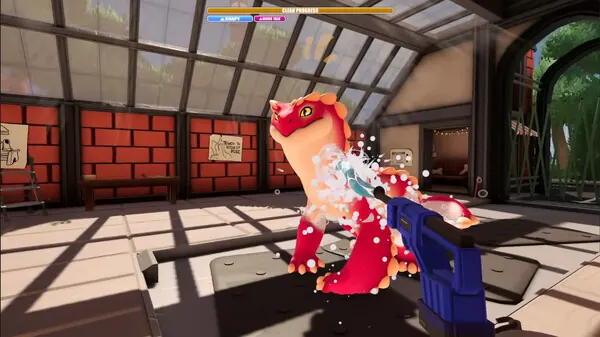
Reduce sprayer motion
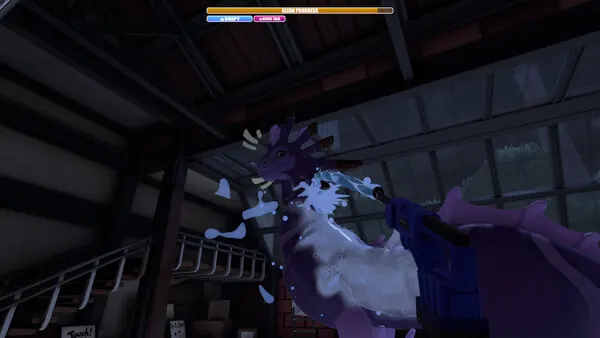
Enable Sprayer Reduce Motion and test a short rinse pass.
- Why it matters
- The option was added specifically to reduce discomfort from the sprayer movement.
- What to look for
- The sprayer is easier to track during a controlled pass.
- If it gets stuck
- The option does not promise to change every camera animation.
NEXT STEP
Follow contextual prompts
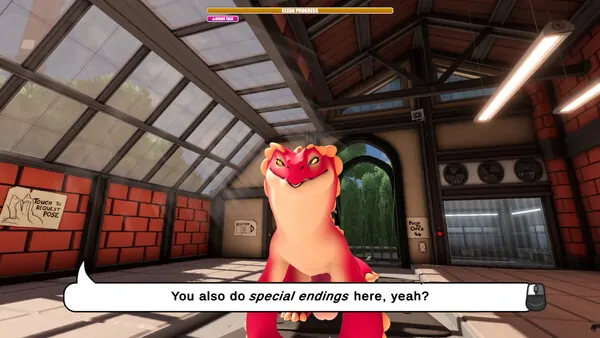
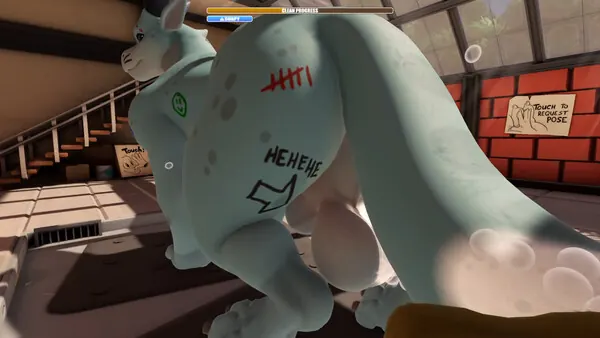
Use the button shown by the current build for pickup, interaction, dialogue and dismissal.
- Why it matters
- Keyboard and controller prompts can differ, while later scenes use context-specific actions.
- What to look for
- The highlighted interaction responds once.
- If it gets stuck
- Put down held items and move closer before treating it as a control failure.
NEXT STEP
Recover an actual lock
Pause and use Unstick Kobold if the player cannot move or interact.
- Why it matters
- The action was added for recovery; it does not complete dirt, dialogue or route conditions.
- What to look for
- Movement or interaction control returns.
- If it gets stuck
- If the same scene reproduces the lock, record the character, action and installed build.
Control and Comfort Options
Control Problems Commonly Misdiagnosed
Controls & Comfort Settings FAQ
Does Drag'n Wash support controllers?
Steam lists full controller support, including controller feature badges.
Is there an invert-Y option?
Yes. It was added in the September 2026 Kobold Hotfix.
What if I spin on Steam Deck?
The hotfix says it fixed touchscreen-triggered endless spinning; update before trying other workarounds.
Control Options That May Change
CURRENT GAME Platform features, the three-ending count and patch changes are checked against the game's store pages and announcements.
PLAYER-REPORTED Opening actions and missed-area checks are practical observations, not universal hidden rules.
Exact affinity values, tool bonuses and ending thresholds are left out unless they can be repeated on a named build.