

The Drag'n Wash Cleaning Order
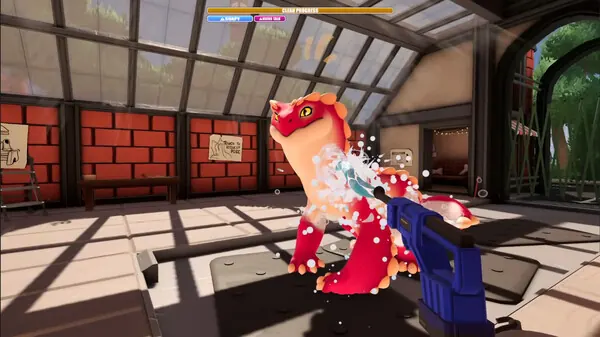
Prepare the water, wet the sponge, scan visible dirt in a consistent order, reposition when prompted and rinse every cleaned surface. If progress stalls, work out whether dirt, soap, dialogue or lost movement is holding the scene back before restarting.
What This Washing Guide Solves
A repeatable cleaning order is more useful than a guessed body-part score when the first wash feels unclear or the bar stops moving. This page stays inside the wash loop; the walkthrough handles the wider story.
Before You Pick Up the Sponge
- Read the current request.
- Turn on sprayer motion reduction if needed.
- Identify the bucket, sponge and sprayer before the customer blocks your view.
How to Wash a Dragon Step by Step
NEXT STEP
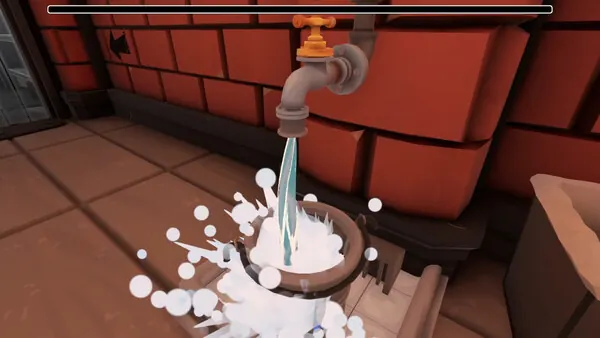
Prepare water
Fill the bucket at the station and place it where you can re-wet the sponge without losing track of the current surface.
- Why it matters
- Preparation avoids mistaking a dry sponge for a broken interaction.
- What to look for
- The bucket visibly contains water and the sponge can be wetted.
- If it gets stuck
- Follow the scene's displayed water source rather than a third-party control assumption.
NEXT STEP
Wet and test the sponge
Wet the sponge and make a short pass on a clearly dirty patch before committing to a full section.
- Why it matters
- A test pass confirms the correct tool and interaction state.
- What to look for
- Dirt changes or the progress indicator responds.
- If it gets stuck
- Re-wet the sponge, move closer and verify that washing is still the active request.
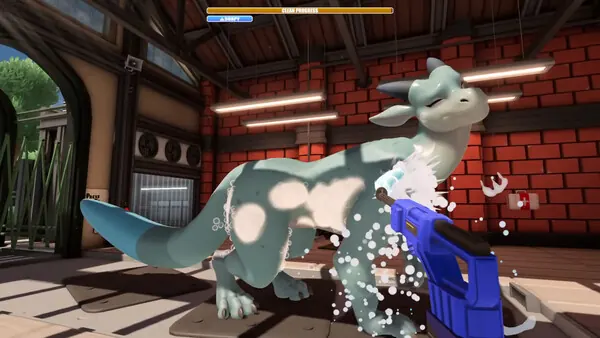
NEXT STEP
Work in sections
Use a consistent scan: visible torso, accessible limbs and edges, then the far side after repositioning. The order is organizational, not a hidden scoring formula.
- Why it matters
- A stable scan makes missed areas easier to find than random scrubbing.
- What to look for
- Each dirty region stops responding once it is clean.
- If it gets stuck
- Do not treat permanent markings or shadows as dirt unless the indicator reacts.
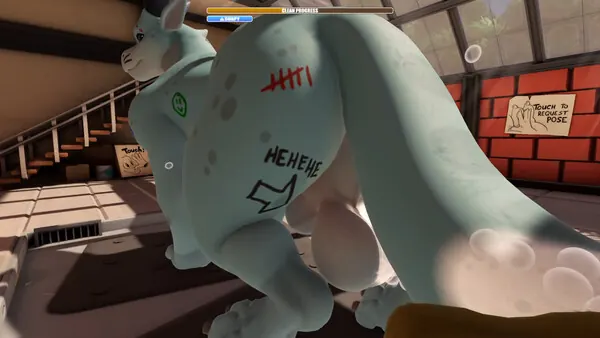
NEXT STEP
Reposition when prompted
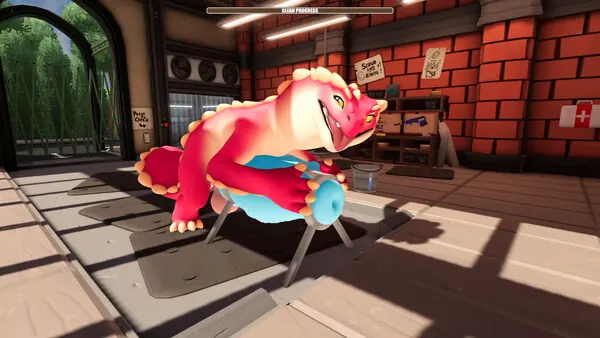
Put down the current item if necessary and use the available interaction to expose another side.
- Why it matters
- Some surfaces cannot be reached from the initial pose or camera angle.
- What to look for
- The dragon changes position and new surfaces become reachable.
- If it gets stuck
- Read the current objective; continuing to scrub will not replace a required interaction.
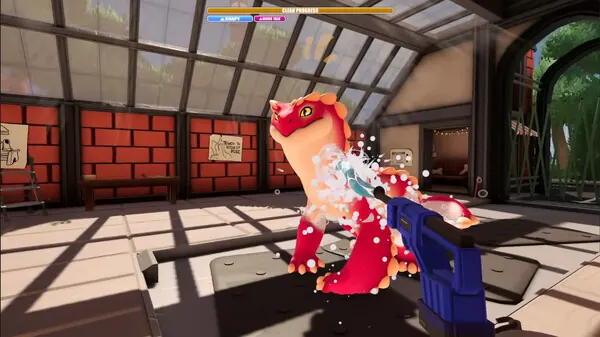
NEXT STEP
Rinse the full cleaned area
Move the sprayer across every scrubbed surface, then slow down around body edges and overlapping geometry.
- Why it matters
- Rinsing clears soap separately from the earlier dirt pass.
- What to look for
- Soap disappears and the objective either completes or changes.
- If it gets stuck
- Use motion reduction if the sprayer is uncomfortable; update if input or turning locks occur.

NEXT STEP
Diagnose the final percent
Check the prompt, change angle, inspect the far side and decide whether the remaining task is visual dirt, rinse residue or a story request.
- Why it matters
- Repeating one tool cannot solve every stalled state.
- What to look for
- A specific action changes either the bar or the objective.
- If it gets stuck
- Follow the dedicated decision tree before restarting the entire scene.
Wash Progress and Tool Checks
Washing Mistakes That Stall Progress
How to Wash a Dragon FAQ
Is there one best body-part order?
No official scoring order is published. A consistent scan is useful because it reduces missed surfaces, not because it unlocks an ending.
Can cleaning affect the ending?
The official sources do not publish a cleaning-score-to-ending formula. Record relationship choices separately from wash completion.
Why does the bar look full?
A tiny area may remain, soap may need rinsing, or washing may be complete while another interaction waits.
Wash Behavior That May Change
CURRENT GAME Platform features, the three-ending count and patch changes are checked against the game's store pages and announcements.
PLAYER-REPORTED Opening actions and missed-area checks are practical observations, not universal hidden rules.
Exact affinity values, tool bonuses and ending thresholds are left out unless they can be repeated on a named build.