

Which Drag'n Wash Tool to Use
Use the bucket and water to prepare the sponge, scrub visible dirt, then rinse soap and loosened grime with the sprayer. Hands and later scene items appear only when a particular interaction calls for them.
What the Tool Guide Helps You Diagnose
When a tool seems unresponsive, check whether it is dry, aimed at an already clean surface, blocked by the current scene or affected by an input problem. The tool table below helps you decide what to try next without cycling through every item.
Before Testing a Washing Tool
- Update to the hotfix or newer.
- Read the current prompt before picking up an item.
- Test one action and watch for visual or objective feedback.
Bucket, Sponge, Sprayer and Contextual Tools
NEXT STEP
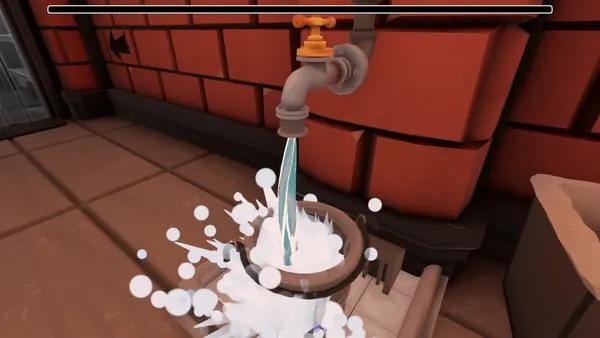
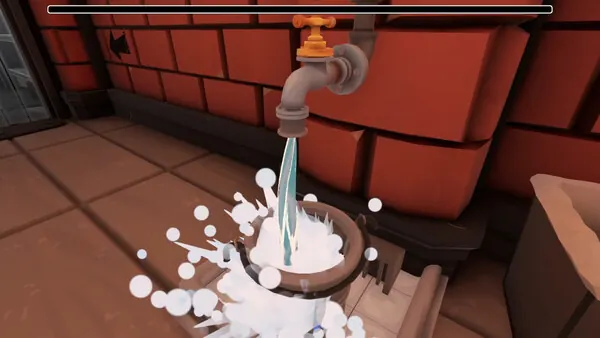
Bucket and water source
Fill the bucket before the main sponge pass and keep it accessible for re-wetting.
- Why it matters
- The bucket supports the cleaning loop; it is not an ending or affection mechanic.
- What to look for
- The sponge can be wetted and resumes cleaning.
- If it gets stuck
- If nothing changes, verify the scene currently expects washing.
NEXT STEP
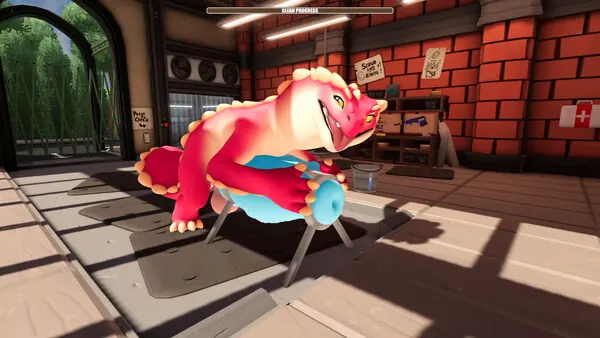
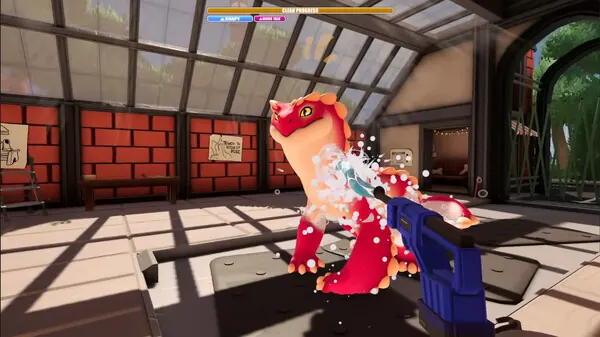
Sponge
Use the wet sponge on visibly dirty surfaces in broad controlled passes.
- Why it matters
- It is the primary confirmed scrubbing tool in the opening wash flow.
- What to look for
- Dirt fades or progress rises.
- If it gets stuck
- The hotfix fixed some turning locks; update and release the input before using Unstick.
NEXT STEP
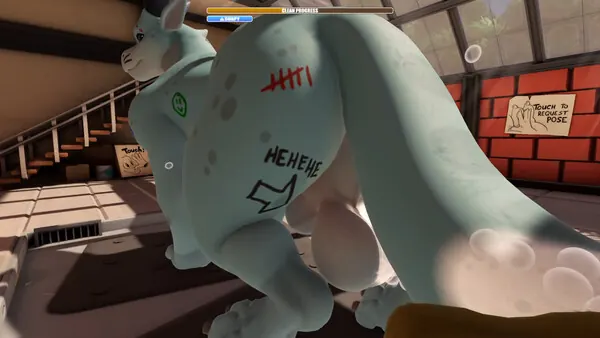
Sprayer
Rinse soap and loosened grime across all cleaned surfaces.
- Why it matters
- Rinsing is a separate completion state from scrubbing.
- What to look for
- Soap clears and the wash state advances.
- If it gets stuck
- Enable Sprayer Reduce Motion if needed; inspect other angles if residue remains.
NEXT STEP
Hands and contextual items
Use these only when the current scene exposes or requests the interaction.
- Why it matters
- Official hotfix notes confirm hand interactions, a medkit and a mount in later scenes, but do not publish a universal unlock formula.
- What to look for
- The requested interaction progresses the scene.
- If it gets stuck
- Do not import thresholds or tool rankings from unverified fan tables.

NEXT STEP
Put a tool down and reassess
When an item stops producing feedback, release it and read the objective before switching repeatedly.
- Why it matters
- A story prompt can replace the cleaning state without an obvious mechanical failure.
- What to look for
- A dialogue, reposition or item prompt becomes clear.
- If it gets stuck
- Use the troubleshooting page if movement or interaction remains locked.
Drag'n Wash Tool Reference
Tool Assumptions That Waste Time
Washing Tools FAQ
How many tools are officially documented?
Official public material describes wash tools, hands and more, while patch notes name specific later items. It does not publish a complete numbered inventory.
Does one tool guarantee a route?
No verified official source provides that rule.
Why did the sponge stop working?
It may be dry, the surface may already be clean, or the scene may now expect another interaction.
Tools and Interactions That May Change
CURRENT GAME Platform features, the three-ending count and patch changes are checked against the game's store pages and announcements.
PLAYER-REPORTED Opening actions and missed-area checks are practical observations, not universal hidden rules.
Exact affinity values, tool bonuses and ending thresholds are left out unless they can be repeated on a named build.