

Your First Drag'n Wash Shift in Brief
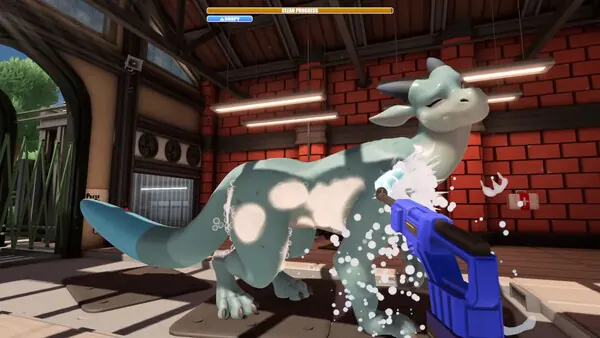
Start a new progress slot, follow the objective instead of searching the station at random, answer the phone, complete the window and gate sequence, then prepare the water and sponge. Watch the cleaning progress and the active scene request separately.
What This Beginner Guide Helps You Finish
Your first shift teaches two things at once: how the wash tools respond and when the story expects conversation or another interaction instead of more cleaning. This guide stays with that opening experience; the complete walkthrough carries the run forward.
Before Your First Shift
- Allow extra time on first boot because the hotfix moved shader preparation to startup.
- Set Sprayer Reduce Motion or Invert Look Y before a long wash if either improves comfort.
- Use one progress slot for the outcome you want to observe, but do not treat it as a manual save before every dialogue choice.
- Expect adult male-dragon content; check the content guide before buying or streaming the game.
First-Shift Walkthrough: Phone Call to Final Rinse
NEXT STEP
Choose a progress slot
Start a new run and keep this slot associated with one set of relationship choices. Read the first objective before moving around the station.
- Why it matters
- A named slot helps you compare a later replay even though a freely placed branch save is not confirmed.
- What to look for
- The opening scene loads and an objective or interaction prompt appears.
- If it gets stuck
- If the menu seems frozen, allow shader preparation to finish, then use the launch checklist if it never advances.

NEXT STEP
Answer the downstairs phone
Go to the ringing phone and complete the opening conversation. Do not collect tools yet unless the current prompt asks for one.
- Why it matters
- The phone establishes the customer flow; wandering ahead can make the next gate control look inactive.
- What to look for
- The objective changes from the phone to the arriving customer sequence.
- If it gets stuck
- Stand close to the highlighted interaction, put away held items and finish every dialogue line.
NEXT STEP
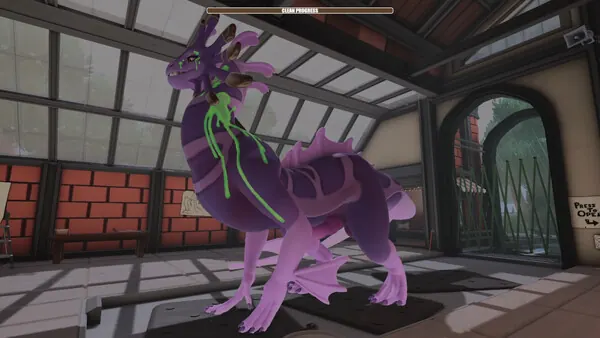
Finish the window conversation
Approach the service window, complete the dialogue and wait for the gate instruction.
- Why it matters
- Conversation, gate access and washing are separate scene states. The next control may remain inactive until the dialogue closes.
- What to look for
- The gate control becomes the current interaction.
- If it gets stuck
- Return to the window and confirm no dialogue prompt is still waiting.
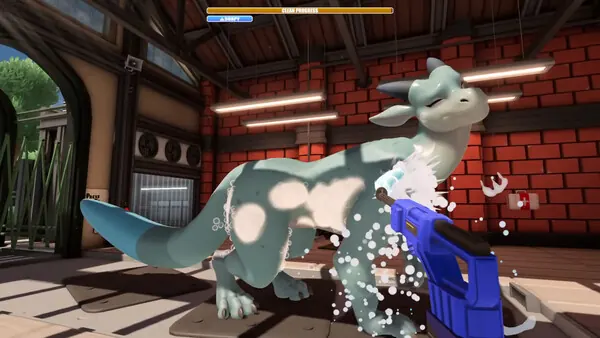
NEXT STEP
Open the gate and admit the customer
Use the gate control when prompted and allow the dragon to move into the wash position before grabbing equipment.
- Why it matters
- The station changes state as the customer enters; interacting too early with unrelated props does not advance it.
- What to look for
- The dragon reaches the working area and the objective changes to preparation or cleaning.
- If it gets stuck
- Do not repeatedly press the gate. Recheck the window dialogue and active objective first.
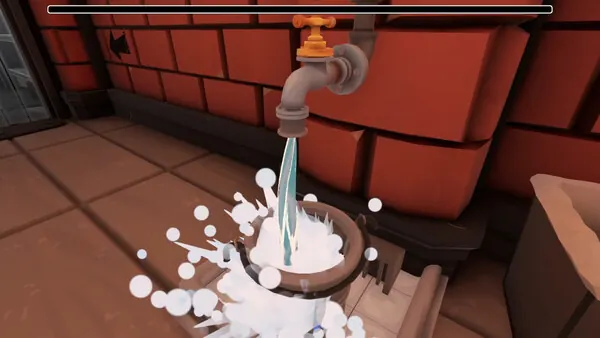
NEXT STEP
Fill the bucket and wet the sponge
Bring the bucket to its water source, fill it and wet the sponge. Re-wet the sponge whenever scrubbing stops registering.
- Why it matters
- A dry cleaning action can look like broken progress even when the scene is functioning normally.
- What to look for
- Scrubbing a dirty surface visibly changes the dirt or progress response.
- If it gets stuck
- Confirm the bucket has water and that the scene still asks for washing rather than another item.
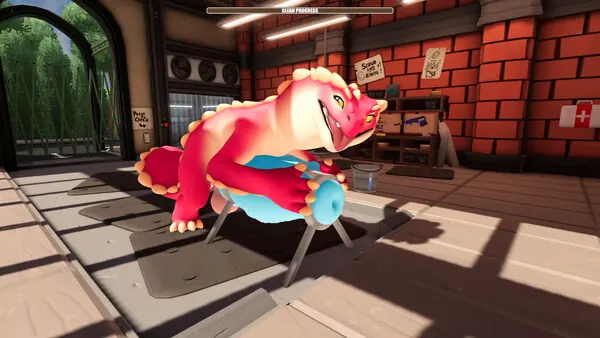
NEXT STEP
Clean broad areas methodically
Work across the visible side in sections. Reposition your view instead of repeating the same clean patch.
- Why it matters
- A repeatable scan makes small remaining areas easier to diagnose and prevents wasted movement.
- What to look for
- Visible dirt fades and the cleaning indicator continues to move.
- If it gets stuck
- Check the far side, limbs, tail and neck edges; these are inspection areas, not guaranteed fixed dirt locations.
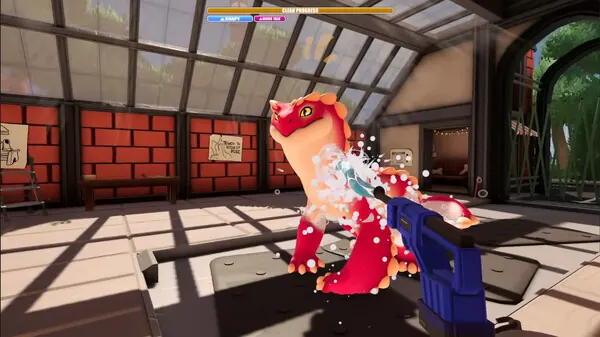
NEXT STEP
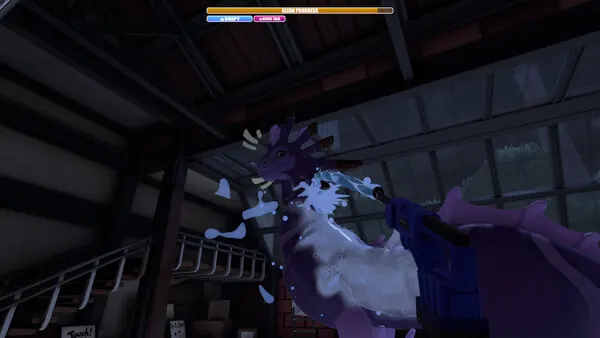
Rinse and inspect
Use the sprayer across the cleaned surfaces until soap and loosened grime are gone, then inspect from another angle.
- Why it matters
- Soap residue, remaining dirt and a waiting story interaction can all look like the same stalled bar at first glance.
- What to look for
- The visible wash state completes or the objective changes to a post-wash request.
- If it gets stuck
- Read the prompt before applying more water. If only movement is locked, use Unstick Kobold.
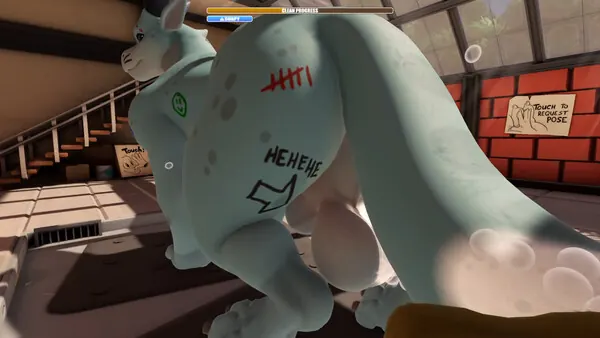
NEXT STEP
Finish the scene, not only the wash
Put down the tool when needed, complete the conversation, item or request, and wait for the next objective.
- Why it matters
- Drag'n Wash alternates practical washing with story interactions; a clean dragon does not always mean the scene is over.
- What to look for
- The customer sequence closes or the next story objective appears.
- If it gets stuck
- Use the wash-progress decision path to distinguish missed dirt, a waiting request and a genuine softlock.
First-Run Progress Checks
Beginner Mistakes and Quick Corrections
Complete Beginner Guide FAQ
Do I choose one dragon at the start?
No. The shared run introduces all three dragons; character pages group their scenes for reference.
How long should I reserve?
The developer describes approximately 90 minutes of content per ending, but first runs and stuck points can change your time.
What should I do if the clean bar stops?
Stop repeating the same motion, read the request, inspect another angle, rinse, and then use the wash-progress checklist.
What Can Change in a Future Build
CURRENT GAME Platform features, the three-ending count and patch changes are checked against the game's store pages and announcements.
PLAYER-REPORTED Opening actions and missed-area checks are practical observations, not universal hidden rules.
Exact affinity values, tool bonuses and ending thresholds are left out unless they can be repeated on a named build.